n8n AI Agent Builder: What It Is and What It Costs
n8n's AI agent builder turns a plain language prompt into a working agent workflow. Here is what it does, what n8n costs, and where it stops.
Most guides to n8n start inside n8n. You already build there, you already know the node names, and the only open question is which model to wire in.
Owners arrive a step earlier. They heard an agent can answer a missed call or chase an unpaid quote, and they want the price before they open a node.
What is the n8n AI agent builder, can you use it without being a developer, and what does it cost? The AI Agent node wires a chat model to real tools, and the AI Workflow Builder drafts a workflow from plain language. Nothing here needs code, and self-hosted n8n is free while Cloud starts at 20 euros a month.
The pages ranking for this phrase come from people who build in n8n daily. None of them shows the invoice, and none names who fixes the agent when it stops. This page does both.
TLDR
- The n8n AI agent builder is the AI Agent node plus the AI Workflow Builder. You describe the job, attach a model and a tool, and the agent picks the tool.
- The free route is the self-hosted Community Edition. Cloud starts at 20 euros a month billed annually.
- No developer is needed to start. The workflow still needs an owner.
- The agent is the easy half. The credentials and the failures are the other half.
What is the n8n AI agent builder, and how is it different from the AI Agent node?
The n8n AI agent builder is the AI Agent node plus the AI Workflow Builder. The node holds the agent and its chat model. The builder drafts the whole workflow around it from a written description.
The AI Agent node is where the agent runs. You attach a chat model sub-node for the thinking, and you can add a memory sub-node so it remembers the thread.
At least one tool sub-node is required, per the n8n docs. n8n defines an agent as a system that receives data and then acts to reach a goal.
The AI Workflow Builder is the newer half of the pair. You describe the job in plain language, and it handles the node selection and the configuration, according to the n8n docs. It shipped for Cloud customers on Starter and Pro, plus Enterprise, per n8n’s release notes.
The agent type setting is gone
The agent type setting was deprecated from n8n 1.82.0, and every AI Agent node now behaves as a Tools Agent. The old v1 node was removed in n8n 3.0.
If a tutorial asks you to pick an agent type, it was written before 1.82.0. Skip that step.
The node runs the agent. The builder only drafts the workflow around it.
Building AI agents for a small business starts with the same node and the same model call. The node-by-node steps live in how to build an AI agent. This page stays on what the builder is and what it costs to keep.
Can you actually build AI agents with n8n?
Yes. You attach a chat model and at least one tool to the AI Agent node. The agent picks the tool for each request. n8n ships 600+ community agent templates, so most builds start from an import.
Under the hood the node is a LangChain agent, and model choice is open. You can run OpenAI, Anthropic’s Claude or Google’s Gemini. You can also point the node at a model hosted on your own machine.
What the agent can reach
The node runs on LangChain, and n8n ships companion nodes for retrieval, memory and sub-workflows. Anything missing has a workaround in a code step or a custom node.
- Vector stores such as Pinecone, Qdrant, Supabase, Weaviate, PGVector and Chroma for retrieval-augmented answers.
- Sub-workflows, so one agent can call another.
- Code steps in JavaScript and Python when a node does not exist yet.
- Custom nodes for anything n8n has not shipped.
- A chat trigger when you want the agent to answer in a conversation.
Watch the integration count. n8n’s agent page says 500+ integrations. Its repository README says 1500+, and its repository description says 400+.
Each figure belongs to the page that prints it, so check the service you need instead of the headline.
The templates prove the pattern works. Your own data is the part they cannot test.
Is the n8n AI agent builder free, and what does n8n cost per month?
The Community Edition is free when you self-host it. On n8n Cloud, Starter is 20 euros a month billed annually, while Pro is 50 and Business is 667. Unlimited users and workflows come with every tier.
Those are n8n’s published plans, quoted in euros as printed. Annual billing is the cheaper shape, so the monthly figure runs higher if you pay month to month.
| Plan | Price, billed annually | Monthly executions | Hosting |
|---|---|---|---|
| Community Edition | Free | Runs on your own hardware | Self-hosted |
| Starter | 20 euros per month | 2.5K | n8n Cloud |
| Pro | 50 euros per month | 10K | n8n Cloud |
| Business | 667 euros per month | 40K | Self-hosted only |
| Enterprise | On request | On request | On request |
Billing counts completed executions, not steps. A 10-step workflow costs the same as a 2-step one.
The in-product Assistant runs on credits. Starter includes 1,600 a month and Pro goes up to 9,600, per the same pricing page.
Teams under 20 employees can take the Start-up Plan at 50 percent off Business. Enterprise pricing is on request, and the trial runs 14 days with no credit card. Agents, MCP and the AI nodes are included from Starter up.
The company and the licence behind the price
n8n GmbH is a Berlin company founded by Jan Oberhauser and launched publicly in October 2019. The name comes from nodemation, which is why the team says n-eight-n.
The project carries 207k stars and 61k forks on GitHub, per the n8n repository.
The money behind it is real. An 180 million dollar Series C closed in October 2025 at a 2.5 billion dollar valuation, and SAP invested in May 2026. The project took first place in the 2025 JavaScript Rising Stars, and the same source records SOC 2 compliance with data residency in Germany.
The licence is fair-code, which is source-available rather than open source. You can self-host n8n and modify it.
You cannot resell it as a competing hosted service. That clause is the reason the free Community Edition exists at all.
The plan price is the small number. The model API bill sits on top of it and nobody can predict it for you.
What can an n8n agent do for a small business that a chatbot cannot?
A chatbot answers, and an agent acts. The AI Agent node can read a form and act on the record. It can send the reply and update the CRM, then hand the risky step to a person for approval.
Where ChatGPT waits for the next prompt, an n8n agent can sit on a real business trigger. The jobs where an AI assistant for a small business earns its keep look like this:
- An AI receptionist that books the call instead of taking a message.
- Missed-call text back, sent before the caller dials the next shop.
- Quote follow-up that runs on day 3, day 7 and day 14 without a reminder.
- Inbox triage that sorts the mail and drafts a reply.
- Bookkeeping close that pulls the invoices and flags the gaps.
- CRM and invoice triggers that fire from a new row, not a new email.
n8n groups agent work into four shapes, on its own agent page:
- Multi-agent systems that split one job between agents.
- Deep research agents that gather and compare sources.
- RAG agents that answer from your own documents.
- Planning agents that sequence the steps.
Then comes the part that decides whether it ships. n8n ships human approval for tool calls, plus the MCP Server Trigger and MCP Client for instance-level tool access. Light and metric-based evaluations are there too, as its AI page sets out.
The framing n8n uses is that the AI does the what while you decide the how. For an owner, that means the refund and the delete stay behind a person.
Give the agent the boring steps and keep the expensive decisions behind a person.
n8n or Make, Zapier and the closed builders: which should a small business pick?
n8n fits when the agent has to touch many systems. It also fits when the agent has to run on your own server. A hosted closed builder fits when you want the shortest path from a trigger to an action.
Triggers and model access separate these tools faster than node count does. The growwstacks comparison puts OpenAI Agent Builder at 11 nodes against n8n’s hundreds (source).
It also names the trigger split. OpenAI starts on a message, while n8n can start on a schedule or a database change.
Model access divides the same way. OpenAI’s builder runs OpenAI models, while n8n runs models from any vendor, including open-source and locally hosted ones.
| What you need | The better fit | Why |
|---|---|---|
| Agent touching many systems, on your own server | n8n | Self-hosting is free and 500+ integrations connect the systems |
| Chat-first assistant locked to one model vendor | OpenAI Agent Builder | 11 nodes and message-only triggers |
| Fastest simple trigger-to-action | Make or Zapier | Hosted, so there is no server to run |
| An agent inside Microsoft 365 | Copilot Agent Builder | It lives in the Microsoft stack |
The wider field stays on the hosted side of that line. Products such as Lindy AI and Relevance AI sell the finished assistant rather than the builder. So do OpenAI’s AgentKit and Microsoft’s Copilot Studio.
The thread that ranks first for this phrase runs a blind test of the two approaches. It pits n8n’s native AI workflow generation against a custom n8n-as-code agent, so even the community treats the built-in builder as the challenger.
The trade is control against speed. A closed builder hands you a working agent quickly, and it caps what you can change later. Each of the two closed builders in the table gets a full page here, one on OpenAI’s Agent Builder and one on Copilot Agent Builder.
Pick the builder by who maintains it in month six.
How long does it take to build one, and who keeps it running?
A working agent can be drafted in an afternoon. Keeping it running is the ongoing job. Someone has to own the credentials and the retry logic, and that someone is not the AI.
Drafting is the fast part. The AI Workflow Builder counts one message as one credit and supports /clear to reset the context. The docs say it does not send credentials or past executions to the model.
The prompt and the node definitions do reach it, so treat a drafted workflow as a sketch rather than a sealed room.
I run my own lead generation on a system that takes about 200 form submissions a day. Across the months it has been live, the model has never been the thing that broke. An expired API token on a Tuesday morning is what broke it, and nobody noticed until the new leads stopped landing.
That is the honest shape of the work. Before an agent touches a real system, someone has to create and scope the API credentials. Someone also has to test the rate limits and decide what happens on a 429.
Who owns it at 2am
When I set an agent up for an owner with no developer, the trigger and the human approval step stay in n8n. Anything the owner needs to change often, such as a price or a service area, lives in a form outside the workflow. A routine edit should never be a workflow edit.
Three things make a failure visible before a customer finds it:
- Queue mode, for running work in parallel without losing a job.
- Retries, for the calls that time out once and work on the second try.
- LangSmith and OpenTelemetry tracing, for seeing the run after it fails.
None of them replaces the person who reads the alert. An AI personal assistant for a business is still a tool with an owner.
Plan for the person who answers when the agent stops.
Should you build it yourself or have it built for you?
Build it yourself when the workflow is small and you enjoy the wiring. Have it built when the workflow touches money or your CRM. A wrong tool call there costs more than the build.
Run three checks on the workflow in front of you:
- Does it move money or touch an invoice?
- Does it run unattended, with nobody reading the output?
- Does a wrong answer reach a customer before a person sees it?
Two yeses mean the workflow needs a human approval step and a named owner. That owner can be you, and it can also be someone you pay. If the workflow clears all three, our AI services page covers how we scope and build it.
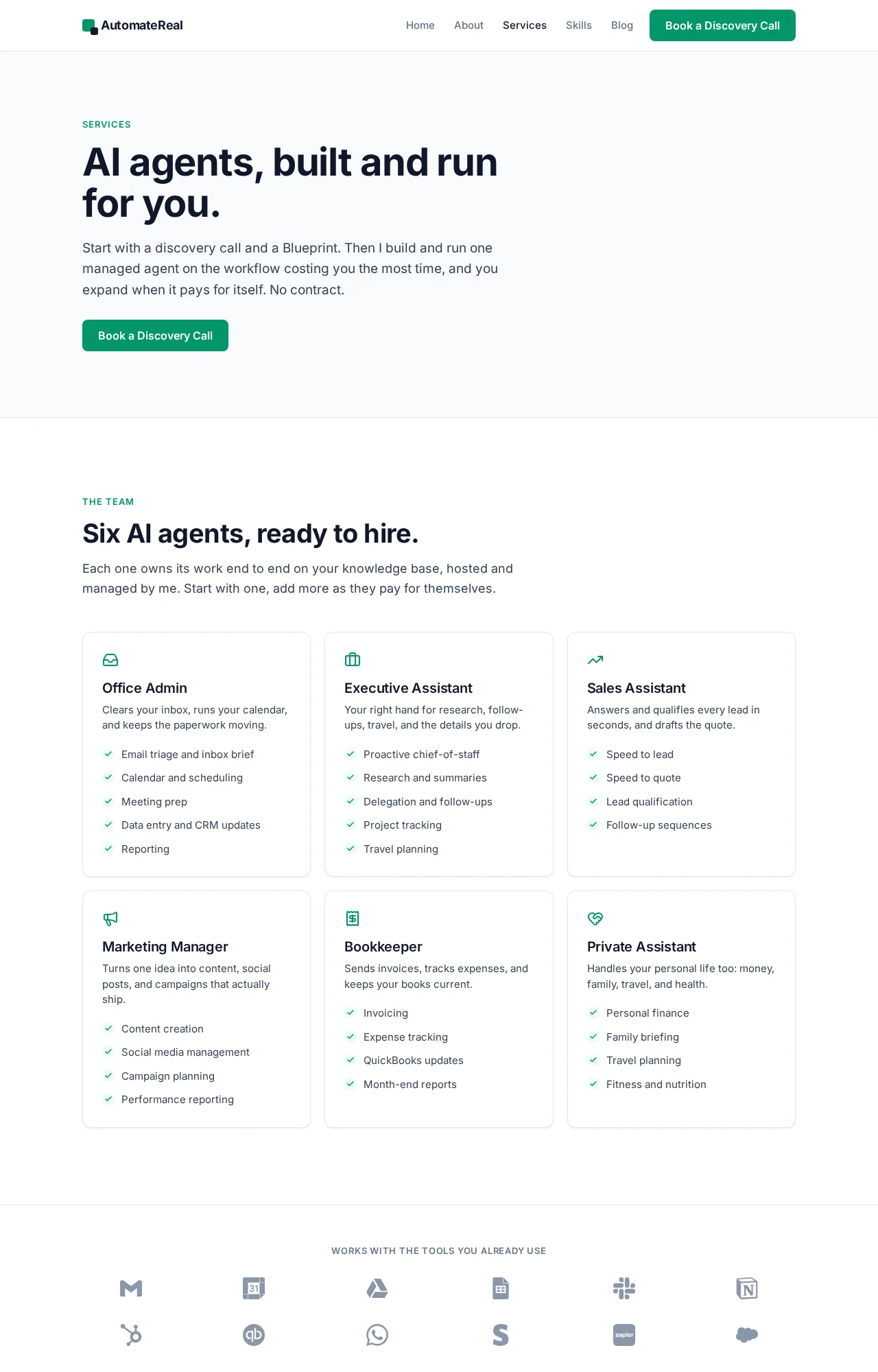
AutomateReal services
If you are still choosing which process to automate first, which AI agent to build first walks that decision.
The best AI assistant for a small business is the one with a person behind it.
One last thing worth saying plainly. Anyone selling a decade of agent experience is selling you something.
The tooling is only a few years old, and the failure modes are still being written down. I build in it in the open, and so should anyone you hire.
The first agent should be the one you can watch fail safely.
For a managed version, see the AI services page.
FAQ
Can you make AI agents with n8n?
Yes. The AI Agent node connects a chat model and at least one tool, and the agent chooses which tool to call. At least one tool sub-node is required, so a model on its own is not an agent.
Is n8n actually AI, or is it workflow automation with a model attached?
Both, and the split is deliberate. n8n is a workflow engine first, and the AI Agent node adds a model that chooses its own path through your tools. You get automation you can inspect, plus a model that decides.
Is n8n cheaper than Make?
The cheaper one depends on volume, and both publish their own tiers. The structural difference is self-hosting. On your own server the subscription disappears, and you pay only for the model and the hardware.
Can I get the n8n AI agent builder for free?
Yes, through the self-hosted Community Edition, which is free under the fair-code licence. n8n Cloud is paid. The 14-day trial is the only free taste of it.
Does it work with the tools I already use, and who fixes it when it breaks?
Most likely, since n8n’s agent page claims 500+ integrations and its repository README claims 1500+. When it breaks, the fix belongs to whoever holds the credentials and the API access, which is a person and not the model.
Where to go from here
An AI agent that no one owns is a subscription with a countdown on it. If you want help finding the workflow worth automating first, a discovery call maps it in about thirty minutes.