How to Build an AI Agent (Small Business Guide)
How to build an AI agent in four steps: pick one repetitive task, connect the tools it touches, write the rules, then test it on real work.
The pages ranking on this question come from vendors and developer docs. They explain the parts well. They skip the two things an owner needs first: the monthly bill, and the thing that breaks in week two.
Eight point eight percent of small businesses now use AI, up from 6.3 percent six months earlier, per the Census Bureau survey of small firms. This page comes from the operator side of the desk, because I run agents in my own business.
Building an AI agent takes four steps. Pick one repeating task and the tools it touches. Write the instructions and the limits. Test it on real work before it runs alone. A no-code build takes a few hours. A built-for-you agent takes weeks. Most small businesses start with one.
That is the shape of it. The detail below covers the task to pick first, the published prices, and the tools you already pay for. It closes on the failure I would plan for.
TL;DR
- Four steps, in order: one task, its tools, the rules, then a test run on real work.
- Start smaller than feels right. The Census data puts the average small firm already using AI at 2.0 use cases.
- The visible cost is the seat. What a seat-based agent costs lists at $21 per user per month on Microsoft’s published plans.
- Nearly 82 percent of firms under five employees say AI does not apply to their business, so the real barrier is relevance.
What is an AI agent, and how is it different from a chatbot or plain automation?
An AI agent is software that uses a large language model to decide its own next step, then acts through tools you connect. A chatbot answers a question. Plain automation follows fixed rules. An agent picks the action, inside limits you set. For what that looks like in a real business, see AI agents for accounting firms and AI agents for ecommerce stores.
The difference is who chooses the next step. In Anthropic’s framing, a workflow runs through code paths a person wrote. An agent directs its own process and its own tool use. That distinction sits in the five agent patterns, and those patterns are the vocabulary the rest of the web borrows:
- Prompt chaining: one model call hands its work to the next.
- Routing: the request goes to the right specialist.
- Parallelization: independent pieces run at the same time.
- Orchestrator-workers: a lead model splits the job and merges the results.
- Evaluator-optimizer: one model drafts while another critiques it.
Plenty of ai agents for business start as the simplest form of that list. One model with a few tools and a person checking the output can run a real task. Anthropic’s advice is to start with the simplest thing that works, and to accept that some tasks should not use an agent at all.
If a fixed set of steps finishes the job, build a workflow instead of an agent. It costs less to run and it breaks less often.
For the definition at greater depth, what an agent is and where a chatbot stops covers the same ground with examples.
The jobs an agent takes off your week
For a small business, the first agent usually takes one job that repeats every day. Missed calls, quote follow-up, and an inbox that never empties are the usual candidates. Pick the one where a slow reply costs you money this week.
Marketing automations are especially common among small firms, according to the SBA’s research note. Small firms also lead large ones in almost half of the 17 use cases that survey tracks.
The job runs on software you already pay for. The agent does not replace any of it. It sits between the tools and does the moving:
- The inbox:
GmailorOutlook. - The calendar:
Google Calendar. - The money:
QuickBooks, orJobberandHousecall Profor field work. - The job record:
ServiceTitanorHubSpot. - The messages:
Twilio. - The store:
Shopify.
The job I handed over first was follow-up. My outreach system pulls in roughly 200 form submissions a day, and each one needs an answer within a few hours. That queue is where the agent earned its seat, and it is the first place most ai agents for small business make a difference.
AutomateReal skills
A missed-call text back is the cheapest job to prove out. AI agents for customer support covers the front desk version, and what AI agents do for a small business lists the jobs in full. If two jobs look equally good, which agent to build first breaks the tie.
Pick the job where a missed reply costs you a booking, then let the agent hold that one job for a month before you add a second one.
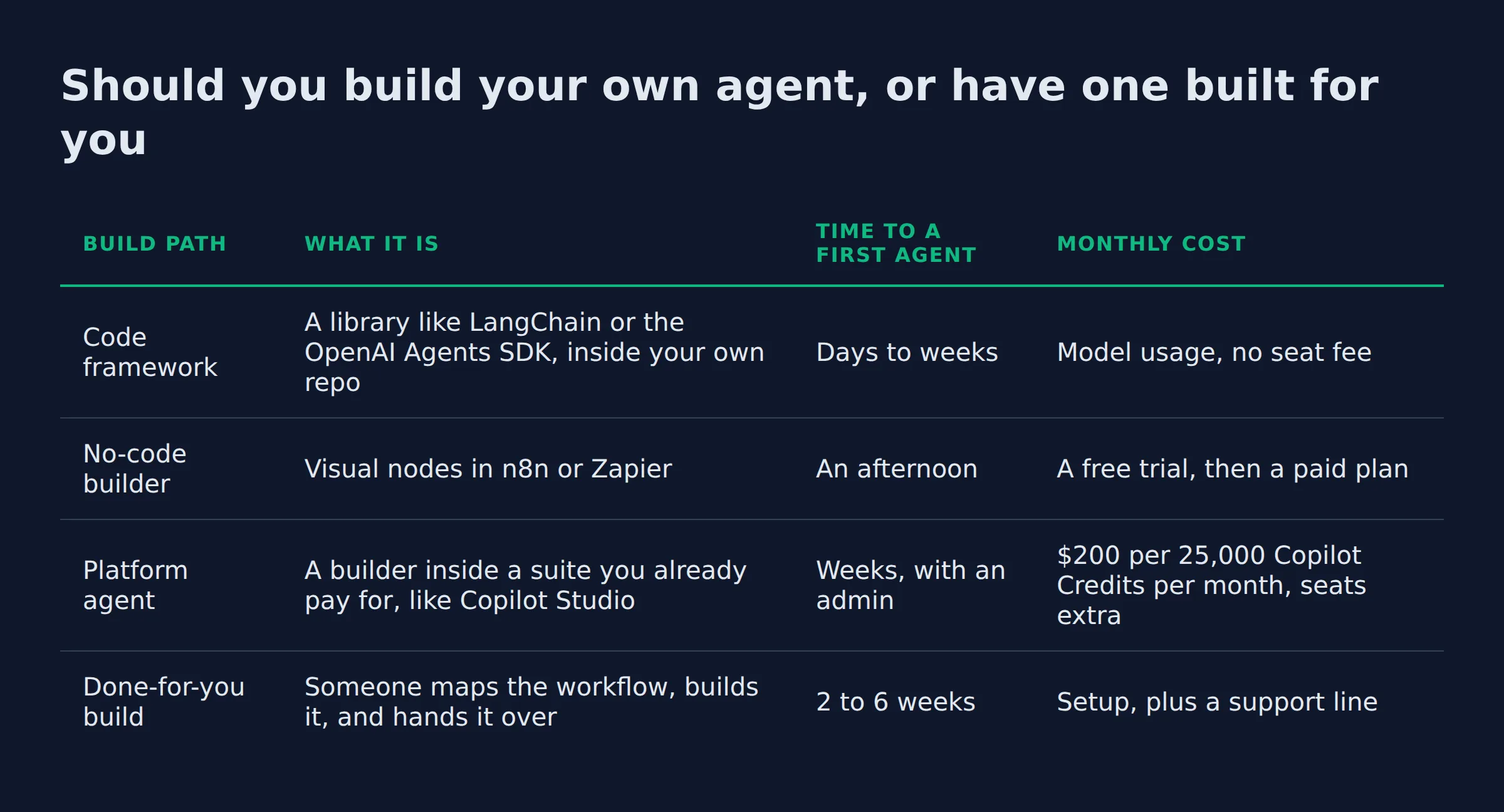
Should you build your own agent, or have one built for you?
Build it yourself when the task is small and the tools connect cleanly. Hire a builder when the work touches money or customer data. The real question is who repairs it on a Friday night.
Four paths get you a running agent, and they differ in who holds the build:
| Build path | What it is | Time to a first agent | Monthly cost |
|---|---|---|---|
| Code framework | A library like LangChain or the OpenAI Agents SDK, inside your own repo |
Days to weeks | Model usage, no seat fee |
| No-code builder | Visual nodes in n8n or Zapier |
An afternoon | A free trial, then a paid plan |
| Platform agent | A builder inside a suite you already pay for, like Copilot Studio |
Weeks, with an admin | $200 per 25,000 Copilot Credits per month, seats extra |
| Done-for-you build | Someone maps the workflow, builds it, and hands it over | 2 to 6 weeks | Setup, plus a support line |
The task you hand it is the choice that decides the outcome. IBM’s guide on how platform vendors frame the build starts with defining the purpose, ahead of the model choice, and that order is right.
The trade is honest. Building ai agents for small business is mostly a scoping job. A DIY build costs you evenings, and a done-for-you build costs money and a week of calls about access. Neither one removes the need to name the task first.
I build websites for prospects before they pay me, so I lean toward seeing the thing work before the invoice. The same rule holds here. Your agent should touch your real data in a supervised test run before anyone commits to a bigger build.
Whoever builds it, ask what the tool claims about itself. The FTC has acted on overstated AI claims, and it opened an inquiry into seven companies selling companion chatbots in September 2025. The AI services page lays out how a build runs from mapping to handover, if you would rather see the shape of the work before you choose.
Decide the task before you decide the builder. The build path costs money, and the wrong task costs months.
What are the actual steps to build your first AI agent?
The build runs in four steps. Name one task and the number it should move. Connect the tools that task already touches. Write the instructions and the limits. Then run it beside a person before it runs alone.
Each step is smaller than it sounds. The last one is the one people skip.
- Name the task and the number. “Reply to every quote request within 10 minutes” is a build. “Improve follow-up” is a wish.
- Connect the tools. The agent needs the inbox, the calendar, and the job record. That is an
APIkey and a permission, not a new platform. - Write the instructions and the limits. The system prompt is the job description. It says what the agent does, what it never does, and who it hands the thread to.
- Test beside a person. Run it in draft mode on live work for a week. Nothing sends until you or someone on the team approves the action.
The best ai agents for small business follow that order. It is worth naming the alternative too: a build that starts with a tool choice usually ends with a tool nobody uses.
Before any of that, I run a three check picker on the task. It has kept me out of builds that would have been wasted evenings:
- Volume: does it happen at least daily? Below that, the build costs more time than the task.
- Access: can the tools hand over the data without a person copying and pasting?
- Blast radius: if the agent gets it wrong, does a person see it before a customer does?
A task that fails the third check waits. A wrong output that reaches a customer cannot be taken back.
No-code builders and the free tiers
You can build a working agent without code. n8n and Zapier connect to hundreds of apps through pre-built nodes. Both give you a free way in: a hosted trial, or a self-hosted edition.
The n8n agent page lists more than 500 pre-built nodes and a library of 600 plus community templates, no-code agent builders. Retries, rate limits, and a manual approval step are nodes you drop into the flow.
The free part is real, and it is also the small part. About half of the small firms already using AI reported no investment in training, capital, or process, the SBA’s number. A free tool does not buy the hours to set it up, and those hours are most of the work.
A free ai assistant for small business setup is possible. It still needs an owner. Someone has to write the instructions, watch the first week, and answer the queue when the agent gets stuck.
Free tools buy you the software. The setup, the instructions, and the weekly check are hours you either spend or pay for.
What does it cost to build and run an AI agent per month?
Published prices put a seat based agent at $21 to $30 per user per month, and agent capacity at $200 per 25,000 credits. A self-hosted no-code build can start on a free tier plus model usage. The setup month is the biggest line.
Microsoft publishes the two lines most owners will recognize, what a seat-based agent costs:
| Line item | Published price | What it buys |
|---|---|---|
| Microsoft 365 Copilot Business | $21 per user per month on the yearly plan (list price, now shown from $18). $25.20 billed monthly | Copilot across the Office apps |
| Microsoft 365 Copilot | $30 per user per month | The full seat, sold alongside larger plans |
| Copilot Studio credit pack | $200 per 25,000 Copilot Credits per month | Agent actions and agent responses |
| Pay-as-you-go meter | No up-front charge, billed per credit used | The same agent features, a smaller start |
Seats are the visible line. Credits are the other one. What agent credits cost works two ways: a pack of 25,000 bought up front, or a meter that bills only what the agent consumes. Microsoft lists no feature difference between the two.
Small firms trail large ones furthest on robotic process automation, by 16.7 percentage points, the widest gap in the survey. The same survey finds 82 percent of firms under five employees saying AI does not apply to their business. That belief is the first thing to fix. The best ai agents for business automation sit inside work a team already does badly at volume.
The bill an owner actually feels is the mapping week. Naming the task, connecting the tools, and writing the rules take longer than picking a vendor. I have spent more hours on the rules than on any tool choice in my own systems.
A seat, a credit pack, and a meter cover the software. Budget the first month for the instructions, because that is where the hours go.
Setup time, and the tools your agent has to sit inside
A no-code agent on one tool takes an afternoon to build and a week to trust. A platform build runs a few weeks once an admin grants access. Anything touching the job records or the phone system takes longer, because access is the slow part.
The tools decide the timeline. An agent only moves as fast as the software it can reach:
- Booking and scheduling:
Google Calendar,Jobber,Housecall Pro. - Money and invoicing:
QuickBooks. - Messages:
Gmail,Outlook,Twilio. - Job records:
ServiceTitan,HubSpot,Shopify,GoHighLevel. - Team chat:
Slack.
Most of these have an API, which is the door an agent walks through. Where the door is missing, a person keeps copying and pasting, and the agent’s value drops to nothing.
The team writing this page runs on that same idea. Five roles, one pipeline, and a reviewer that can send a draft back for a fix. Writing the limits took longer than writing the prompts.
A general ai personal assistant for business is a bigger project than one agent on one task. Start with the single task, prove the loop, and add roles later.
Setup time is mostly access time. Ask for the API access on day one, and the build shrinks to the part you control.
What breaks after launch, and how do you keep the agent running?
An agent breaks in three ways after launch. The tool it uses changes underneath it. The input arrives in a shape it has never seen. The output goes unread. The fix is a review queue with one person’s name on it.
The first week is the dangerous one. Run the agent in draft mode, where it proposes and a person approves. Watch for what it tried that you did not expect:
- The tool changes. A field gets renamed, and the connection dies quietly.
- The input changes. A customer writes in a way the instructions never covered.
- The output changes. Quality slips, and nobody notices because nobody reads the queue.
Write the limits down before launch. The NIST AI Risk Management Framework is voluntary, and the SBA points small firms to it as a way to assess the risk of a system before it runs.
The upkeep is small when it is scheduled:
- Daily: clear anything the agent could not finish.
- Weekly: read the items a person overrode.
- Monthly: check whether the task still belongs with the agent.
The best ai assistant for business owners is the one with a named owner and a short queue. A queue nobody clears is a sign the task was wrong from the start.
Budget an hour a week for the first month. An agent nobody checks is the one that costs you a customer.
Related: What Is Automation? Definition, Types, and Examples
Related: What Is AI Automation? A Small Business Guide
Related: What Are Automation Services? Small Business Costs Explained
Related: gemini agent mode
Related: copilot agent builder
Related: n8n AI agent builder
FAQ
Which AI agent is best for a small business?
None of them, in the abstract. The right agent points at your most expensive repeating task and connects to the tools that task already uses. Judge it on the first job it finishes without you, then on how quickly a person can check that job.
How much does it cost to build an AI agent?
Cost splits in two. The software line is small. A Copilot seat lists at $21 per user per month, on Microsoft’s published plans. Copilot Studio credits run $200 per 25,000. Setup is the larger part, because the mapping and the instructions are hours someone has to spend. Ask for both lines before you start.
Can I get an AI agent for free?
Partly. No-code builders offer a free trial and a self-hosted edition you can run yourself. Model usage on one small task costs cents rather than dollars. What nobody donates is the setup and the weekly check.
Do I need to know how to code?
No. You need to describe the task in plain steps and say what the agent must never do. Code matters for custom connections, and a developer library like LangChain is the choice when a tool has no ready-made connection.
How are small businesses already using AI agents?
Mostly on marketing and admin work. Marketing automation shows up often among small firms, per the SBA’s reading of that data. The use case they lag on hardest is robotic process automation, which is the one that needs a builder. The work is unglamorous, and it repeats daily.
If you want help finding the first task worth handing over, a discovery call maps it in about thirty minutes. Bring the job that eats your Friday afternoons, and we will work out whether it belongs with an agent or with your team.
AutomateReal services