What Are Automation Services? Small Business Costs Explained
Automation services connect your existing tools and run the repetitive work: follow-up, booking, invoicing, intake. See what they cost and how to start.
A quote request lands at 9:20pm on a Tuesday. By Wednesday morning it sits under 40 other emails, and the homeowner has already called two other shops.
Search “automation services” and you get enterprise platform pages, an encyclopedia definition, and a .gov page written for internal finance teams. None of them tells a 6-person shop what this costs or what breaks in week one.
Automation services are done-for-you setups that connect the software a business already uses and run repetitive work without a person. That covers lead follow-up, booking, invoicing, intake, and reporting. You pay a monthly fee instead of hiring staff. Most small businesses start with one workflow and add more once it proves out.
The rest of this page covers what gets automated, the live tool prices, and the week-one failure I hit in my own system.
TL;DR
- Automation services connect the tools you already pay for and run a job without a person.
- US business AI use sat between 17% and 20% from December 2025 to May 2026, per the Census Bureau.
- The tool layer is cheap. Zapier’s free plan is $0, and n8n starts at 20 euros a month.
- The done-for-you layer is quoted per workflow, and the setup month is the real line item.
- Start with the weekly task that costs money when it slips.
What are automation services, and what do they actually automate?
An automation service is a done-for-you build. Someone maps the workflow, connects the tools inside it, and keeps it running. It automates a defined job such as lead follow-up, quote intake, or invoice chasing. The service owns the setup and the repairs, and you own the judgment.
The category has four names you will meet on vendor pages.
- Business process automation (BPA) covers a whole process across teams.
- Robotic process automation (RPA) puts a bot in front of an app and clicks like a person.
- Workflow automation runs one trigger and a fixed chain of steps after it.
- An integration platform (iPaaS) is the plumbing between apps, using each app’s
APIorwebhook.
The enterprise end of this market sells platforms. UiPath, Blue Prism, and Automation Anywhere run large RPA estates for companies with a ticket queue and a department to clear it. Blue Prism’s own guide frames automation as a layer that coordinates processes across a whole company. A 6-person shop has a different problem, and one workflow usually covers it.
The newer half of the market adds a model to the workflow. A large language model (LLM) reads the messy input. OpenAI, Anthropic Claude, and Google Gemini all ship one. The prompt plus tool use decides the next step, and that is what separates an agent from a chatbot. The chatbot answers and stops. The agent finishes the job and writes the record.
Lists of the best ai agents for business automation rank products by feature. The features are the easy part. The map is the part that decides whether anything runs at all.
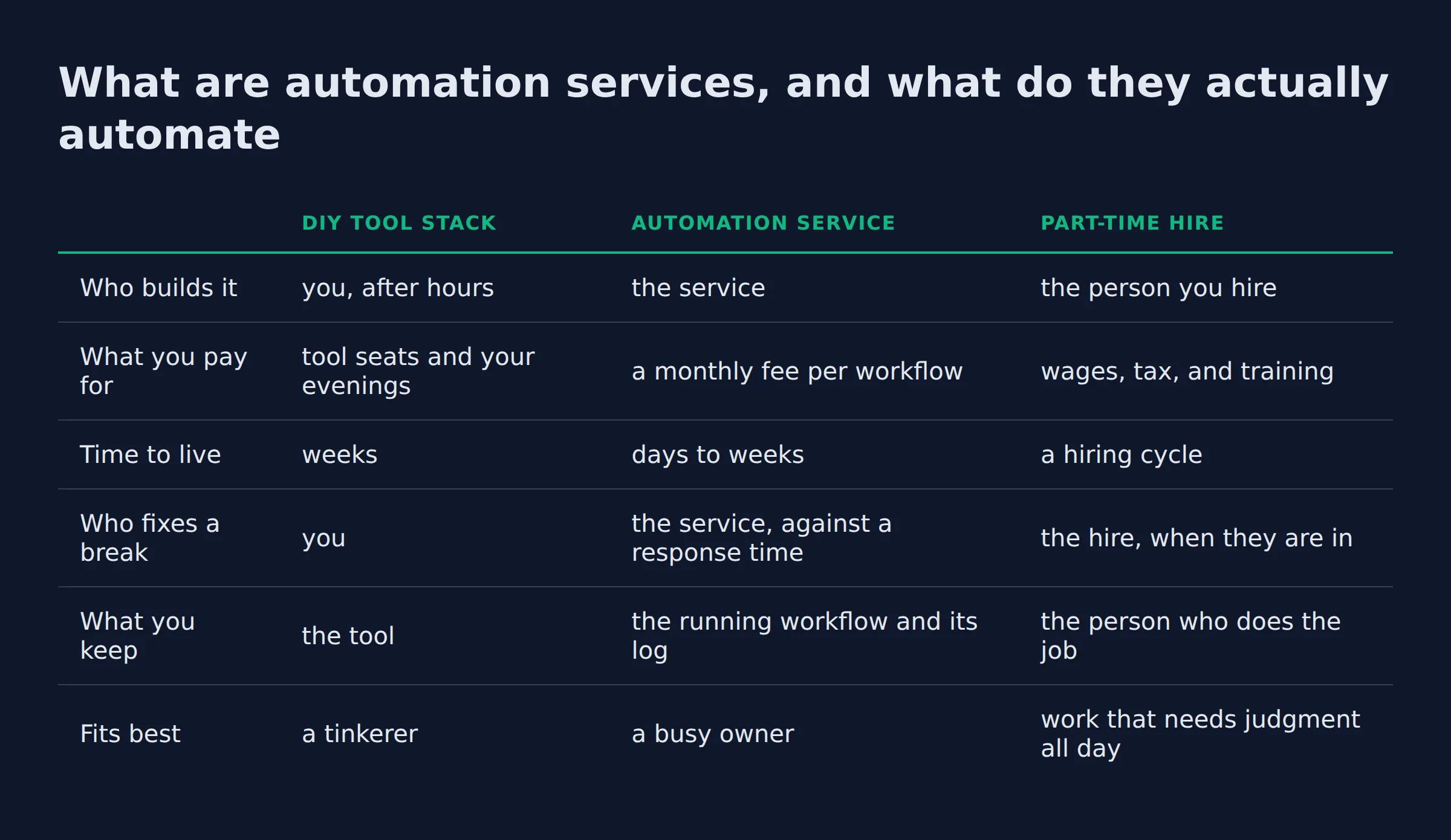
| DIY tool stack | Automation service | Part-time hire | |
|---|---|---|---|
| Who builds it | you, after hours | the service | the person you hire |
| What you pay for | tool seats and your evenings | a monthly fee per workflow | wages, tax, and training |
| Time to live | weeks | days to weeks | a hiring cycle |
| Who fixes a break | you | the service, against a response time | the hire, when they are in |
| What you keep | the tool | the running workflow and its log | the person who does the job |
| Fits best | a tinkerer | a busy owner | work that needs judgment all day |
A platform is sold to a department. A service is sold to one owner with one job to remove.
What can automation services do for a small business day to day?
The work lands in a handful of places. A new lead gets an answer in minutes. Quotes get chased until someone replies. Appointments get booked and invoices go out. Each one is a job you can hand over and check.
- Lead follow-up. It replies to a new form lead in minutes, nudges on day 3 and day 7, and stops the moment the customer answers.
- Quote request intake. It reads the request, pulls out the job type and the address, and puts the estimate in front of the right person.
- Scheduling and dispatch. The booking lands on the calendar with the address and the job length already attached.
- An AI receptionist. A missed call gets a text back within a minute, with two open slots offered.
- Invoicing and bookkeeping. The invoice goes out on completion, and the month’s receipts get matched against the transactions.
- Reporting. The weekly numbers arrive as one message instead of three spreadsheets.
AI agents for business are not industry specific. The same six jobs show up at a dental office, a fencing company, and a two-person bookkeeping firm. What changes from shop to shop is the volume, not the shape of the work.
Support work is where the measured gains are largest. A support team with a generative AI tool resolved 14% more issues per hour, and the gain for the newest workers was 34%, NBER working paper 31161 found. In a small shop that means the workflow helps a new hire most, because it carries the patterns a person has not learned yet.
Adoption at the small end is still thin. AI use across US businesses hovered between 17% and 20% from December 2025 to May 2026. Fewer than 20% of firms with four or fewer employees reported using it at all, per the Census Bureau’s AI use data. Most of the businesses you compete with are not running this yet.
The systems a workflow touches are the ones you already run. That means your CRM, your calendar, and your accounting app. AI automation for a small business covers the wider picture of what these setups take over.
Follow-up pays first, because a quote nobody chases is a job someone else wins.
The three questions I ask before I automate a workflow
I run three checks on a task before it earns an automation, and the order matters. It has to repeat weekly, cost money when it slips, and take under a minute to check.
- Does it happen weekly or more? A monthly task gives you one test run a month.
- Does a miss cost money? A dropped item that costs nothing is a hobby.
- Can you check the output in a minute? If the check takes longer than the task, you moved the work instead of removing it.
Speed is why follow-up clears those checks almost every time. HBR’s research on lead response time found that most companies are not responding to online leads nearly fast enough. By the time a reply goes out the next morning, the homeowner has usually called someone else.
The first workflow I put on rails was my own follow-up. My outreach system takes in about 200 form submissions a day, and every one of them needs a reply path. At two minutes a reply, that works out to 400 minutes, or close to 7 hours of writing a day. I do not have 7 spare hours, and neither does anyone else running a small shop.
I run a local SEO agency and build my own systems, so the mistakes here are mine to own. Anyone selling you a decade of agent experience is selling you something. The field is that young, and the honest version of this work includes a first week where something goes wrong.
Automate the task whose volume you can already count.
How much do automation services cost per month?
Expect two numbers, and only one of them is public. The tool layer is cheap and listed on a page. The done-for-you layer is a monthly fee per workflow. The quotes I see run from a few hundred dollars a month to a few thousand for a full stack.
Cost questions about an ai assistant for small business usually start with the tool seat. The seat is the cheap half.
| What you pay for | Published price | Fits |
|---|---|---|
| Zapier Free | $0 a month, 100 tasks | one workflow on trial |
| Zapier Professional | from $19.99 a month | an owner running a few Zaps |
| Zapier Team | from $69 a month | a team sharing the workflows |
| n8n Starter | 20 euros a month billed yearly, 2,500 executions | a light workflow |
| n8n Pro | 50 euros a month billed yearly, 10,000 executions | a few workflows live |
| n8n Community Edition | free to self-host | an owner with a server and time |
| A done-for-you service | quoted per workflow, billed monthly | an owner with no build hours |
n8n prices by workflow executions, starting at 20 euros a month billed yearly. Its tiers run up to a self-hosted Business plan for teams under 100 people. Zapier lists a free tier and paid plans from $19.99, with the task limits spelled out per plan. Both pages were live on 24 September 2026.
The licence is the small half of the bill. About half of the small firms already using AI reported no investment in training or integration, the SBA Office of Advocacy research spotlight found. That gap is where a stalled workflow comes from. A build nobody maintains stops working the week an app changes its login screen.
Ask what month two includes before you compare two quotes. A cheap build with no repair hours is the most expensive version of this purchase.
Compare the setup month, not the licence fee.
What breaks in week one, and how you keep a person in the loop
Something breaks in the first week of most builds. My own follow-up system went live with a rule I had written badly. The wording was vague, and the agent ran it exactly as written. One reply went out reading wrong. I caught it in the sent mail that week.
Two changes fixed it. A review step now sits in front of anything a customer reads. One person owns the exception queue, and anything still unresolved after 4 hours gets a human call. That response time is written into the contract as an SLA instead of being assumed.
Access is the other thing that goes wrong early. A workflow needs the fields it actually uses. The FTC’s data security guidance tells businesses to collect only what they need, keep it safe, and dispose of it securely. If the workflow touches patient or payment data, ask about SOC 2 and about the vendor’s PIPEDA and GDPR terms before anything connects.
Human-in-the-loop and guardrails are the words to use when you ask how the system handles a case it has not seen. A build with those two things named in writing is a build you can leave running.
A workflow needs one named owner of its failures, with a response time attached to that name.
Should you hire automation services or build it yourself?
Build it if the workflow is simple and you enjoy the tinkering, since the tools have free tiers. Hire a service when your build hours do not exist. Discovery and repair are the parts that need a person.
Building ai agents for small business yourself is a real path. A self-hosted n8n Community Edition costs nothing, and Zapier’s free plan covers 100 tasks a month. That is enough for a two-step workflow. What free does not cover is the hours, and those hours land in the evening. The worst outcome for most owners is buying tools and never wiring them.
I build free websites for prospects before they pay me, so I have a bias here. The reason is the same in both cases: the value lands when the thing is finished, and finished work takes a builder’s hours.
The gap is not price. Nearly 82% of businesses under five employees said AI was not applicable to them, the SBA Office of Advocacy found. The small firms that do use it run an average of 2.0 use cases. One workflow is the normal starting point, and one is enough to prove the model.
Run the comparison the way you would run a hire. The SBA’s manage your business guide treats a new employee as a cost-benefit decision you put numbers on. A workflow deserves the same math. Write down the hours it eats now, the hours it takes after, and the fee between them. If a part-time hire costs more than the workflow, the workflow is the cheaper hire.
For the DIY route, which AI agent to build first walks through picking the opening task. My prompt skills bundle is the writing and research half of the same work, and all of it for $99.
 AutomateReal skills
Buy the workflow when your own hours are the scarce input.
Will it work with the tools you already use, and how long does setup take?
Mostly yes, if the tools can talk to each other. Anything with an API or a webhook can be connected, which covers the mainstream CRM and accounting apps. Desktop software with no export is the usual blocker. Setup runs days to weeks, depending on how many systems join in.
The best ai agents for business are the ones wired into your real systems. The connection layer is also where estimates go wrong. A workflow that reads a form, checks the CRM, and writes to the calendar needs three integrations to behave at the same time. Ask for the list of systems it will read and write, then check that each one has a working path in.
Onboarding runs in four steps: discovery, mapping, the build, and a watch period. Mapping is the step owners underestimate, because it is unpaid thinking that nobody shows you. Someone has to decide what happens when the form is a spam submission, or the address is fake, or the job is outside your service area. Those decisions live in the map, not in the tool.
In my own builds, mapping has always taken longer than the wiring. A single workflow with two connections is usually live inside a couple of weeks. A stack that touches the CRM, the calendar, and the books takes a month or more.
The map is the product. The wiring is the last step.
How do you choose an automation service for your business?
Ask for four things in writing. One workflow it will own. The systems it reads and writes. Who fixes it when it breaks, and how fast. What month two includes. A service that cannot answer all four on one page is quoting you a demo.
Picking the best ai assistant for small business starts with paperwork.
- The workflow, named. One job, with a number attached to it. “Save time” is not a workflow.
- The systems list. Every
API,webhook, or export the build depends on. - The failure owner. The person who gets the alert, and the response time attached to it.
- Month two. What support and small changes are included, and what gets billed as new work.
- The ROI line. The hours or dollars the workflow replaces, written down before the build starts.
- The exit. How the workflow gets handed to you or moved to another builder.
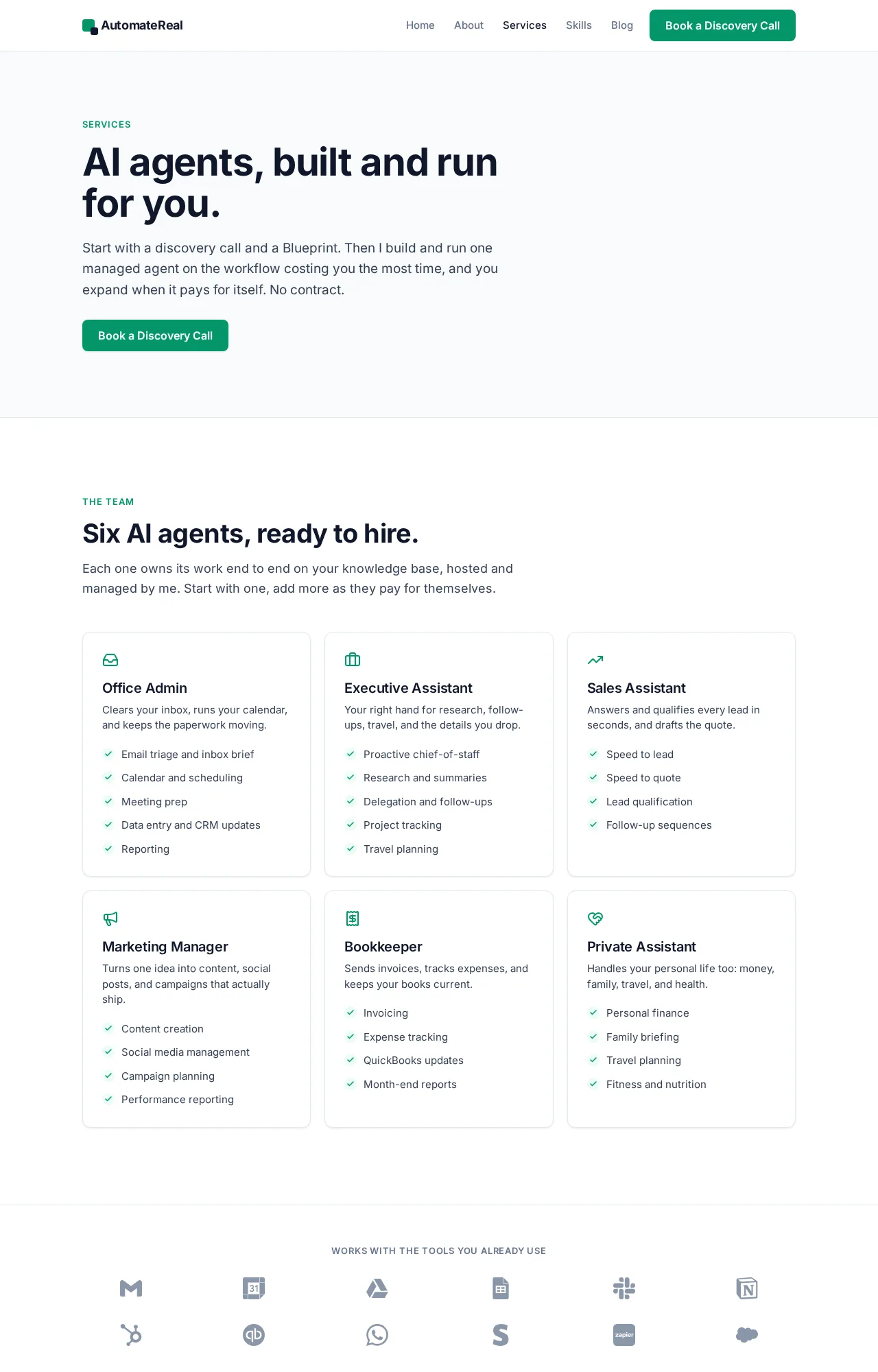
I read the exit clause first on any build I buy, because a workflow you cannot move is a workflow you keep paying for. The AI services page is where I lay out how a build runs from mapping through handover.
 AutomateReal services
Ask for the systems list and the failure owner before you look at a feature chart.
Related: How to Build an AI Agent
Related: What Is Automation? Definition, Types, and Examples
Related: Agentic AI Explained for Small Business Owners
FAQ
Can a small business get automation services for free?
Partly. The tools have free tiers, and n8n’s Community Edition is free to self-host. The setup and the repair hours are the part nobody donates, and those hours are most of the work.
Which tasks are small businesses automating first?
Lead follow-up wins most often, because it repeats daily and a missed reply costs a job. Quote intake and booking come next. Pick one and let it run for a month before you add a second.
Do automation services replace employees or take work off their plate?
They take the repetitive half of a role. The relationship and the judgment stay with your people. The honest framing for a team is that the queue gets shorter, and the exception list is where they get to be useful.
How long before automation services actually save time?
The first workflow usually pays back inside a month or two, once the exceptions shrink to a list you clear in minutes. The build eats part of that first month, so the saving is not instant.
What happens when the automation gets something wrong?
It should fail into a queue with a person’s name on it. A review step sits in front of anything a customer reads, and anything unresolved after a few hours gets a human call. Ask that question before you sign.
Still not sure which job to hand over first? A discovery call maps the options in about thirty minutes, and you leave with one workflow named. Bring the task that slips most weeks, and we will work out whether software should hold it or a person should keep it.